General Settings
The Settings section allows you to configure all parameters related to your Reemo organization. These settings impact security, remote user experience, and network connectivity.
Access: domain Organization > dashboard General > tune Settings.
Edit Organization
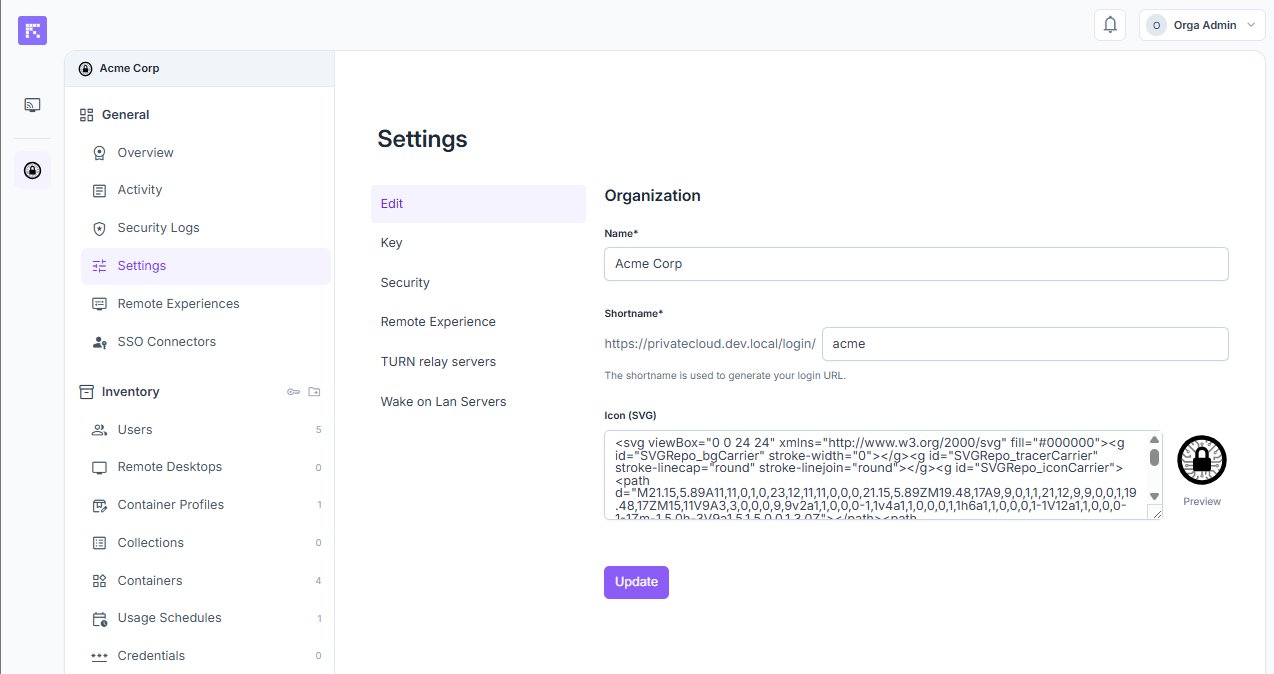
General organization settings
Name: full organization name displayed in the portal.
Short Name: unique identifier used to generate a custom login URL. This URL is used for SSO authentication. Example:
https://portal.reemo.io/login/my-organizationIcon (SVG): custom organization logo displayed in the portal sidebar.
Studio Key
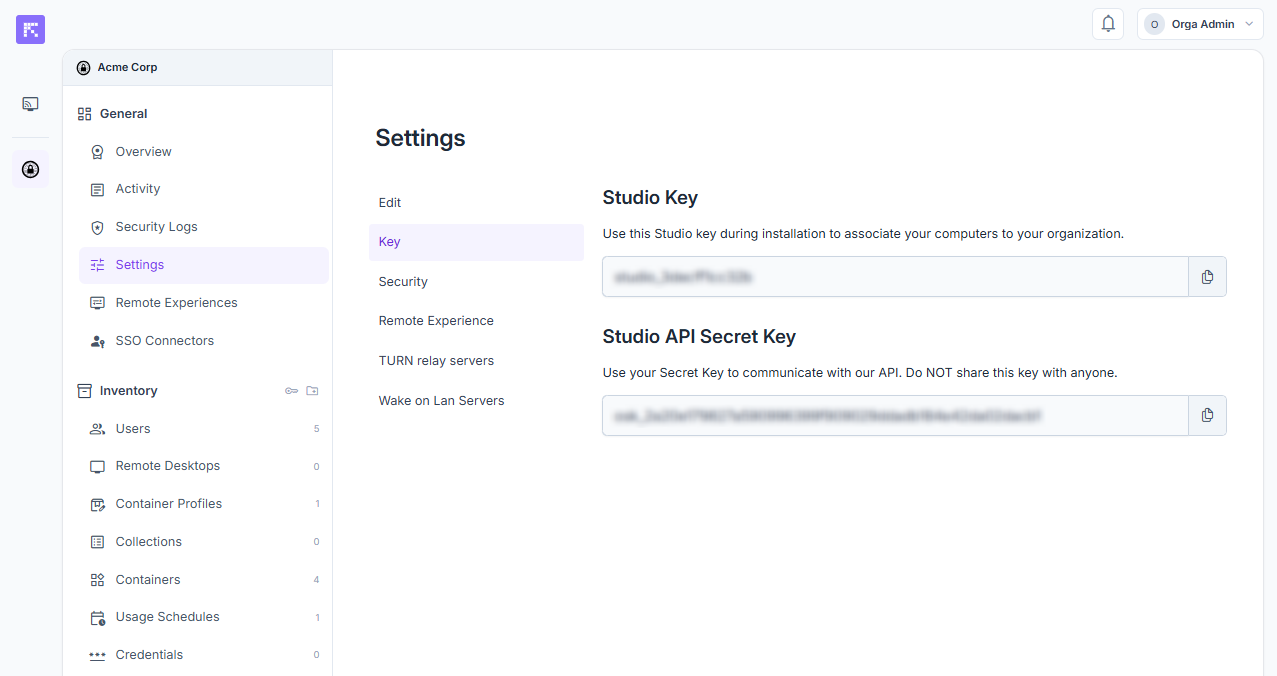
The Studio Key is used to automatically associate computers with the organization when installing the Reemo Agent.
It can be copied and integrated into your deployment procedures.
The key is unique to each organization.
Note
This same Key tab also displays a Studio API Secret Key, reserved for advanced integration with the Reemo API. Do not share it with anyone.
See also
A shortcut to this same Studio Key is also available directly from inventory_2 Inventory, without going through Settings — see Retrieve your Studio Key.
Default Remote Experience
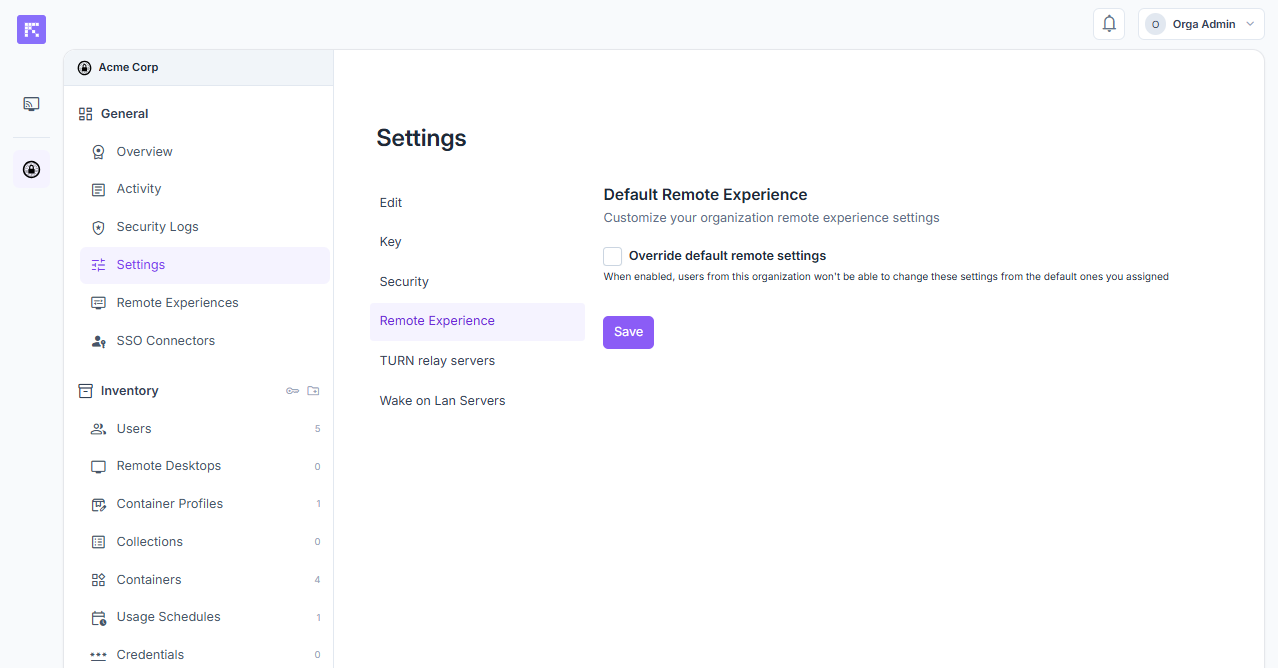
Override default remote settings: applies default settings to all users.
Bandwidth: bandwidth limit (e.g. 7 Mbps).
Video Format: codec choice (H264, etc.).
FPS: maximum frames per second.
Lock Settings: prevents users from changing these session settings.
Note
It is also possible to define session settings per user group in the Remote Experiences menu.
TURN Servers
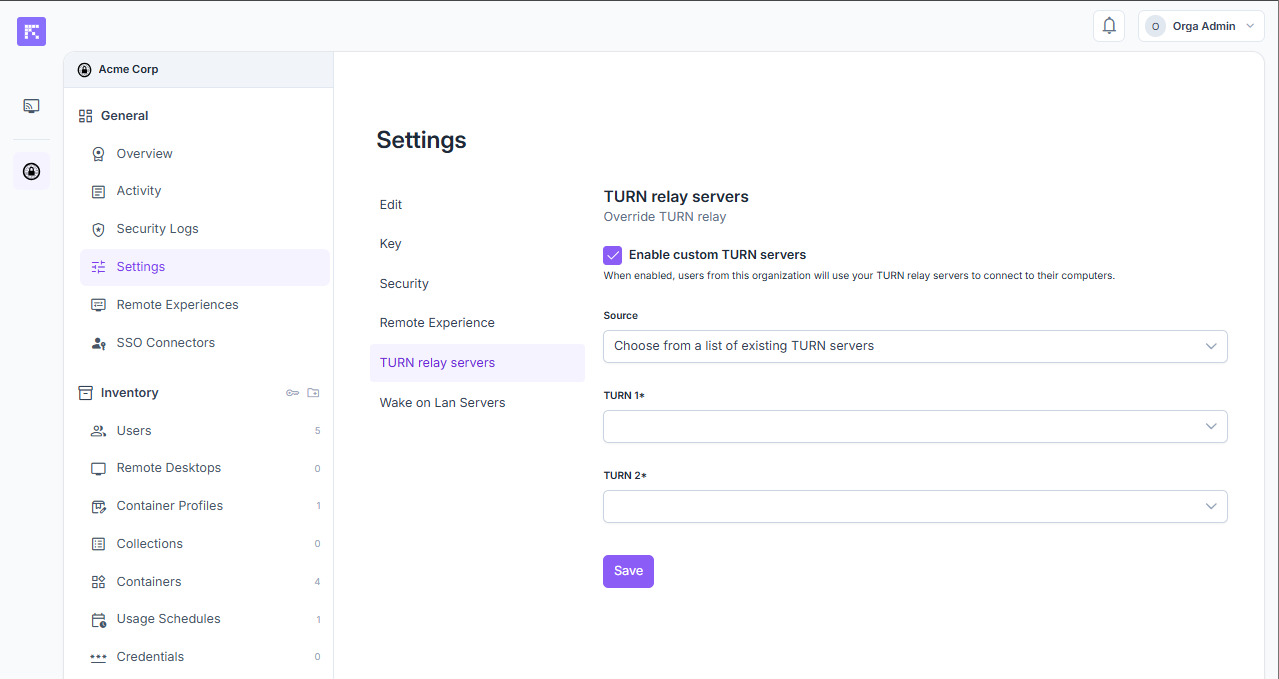
Enable custom TURN servers: enables the use of custom TURN servers.
Source: selection of the TURN configuration to apply.
TURN 1 / TURN 2: - Host: server address. - Port: communication port (default 443). - Username and Password: access credentials.
The use of custom TURN servers can improve latency depending on the location of the server and the organization’s computers.
Summary
Organization settings allow you to:
Define the identity (name, custom URL).
Manage the Studio Key to easily link machines.
Strengthen security via 2FA, clipboard restrictions, and automatic disconnections.
Configure the default remote experience (bandwidth, video, FPS).
Optimize network connectivity through custom TURN servers.