Access: verified_user Admin Area > build System > notifications Announcements
The Announcements page allows administrators to create and manage announcements for platform users. These announcements are used to broadcast important messages, notifications, or links to external resources.
Overview
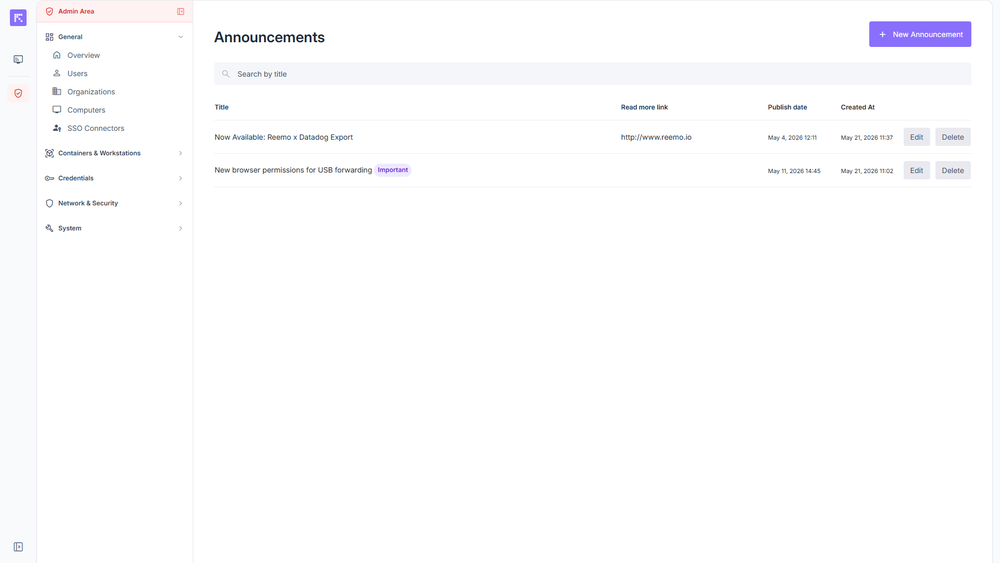
List of existing announcements
Each announcement displays the following information:
Title: Announcement title. A Scheduled label appears next to the title if a future publication date is set; an Important label appears if the announcement is marked as important.
Read More Link: Optional link to an external resource.
Created At: Creation date and time.
Edit and Delete buttons: Modify or delete the announcement.
Creating an Announcement
To add a new announcement, click New Announcement. The form includes the following items:
Title: Required announcement title.
Important notification, display on first load: Forces the announcement to display in a dialog box as soon as the user logs into the portal.
Publication date: Scheduled display date for the announcement.
Content: Required rich content of the announcement.
Read More Link: Optional URL (Read more button) to an associated site or resource.
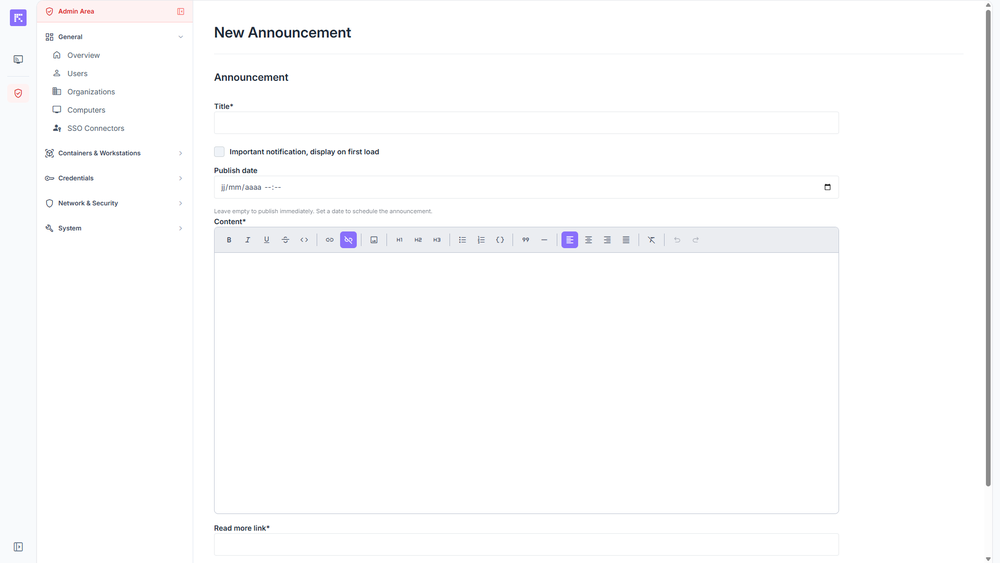
Announcement creation form
Click Create to publish or schedule the announcement.