Credentials
Credential management lets you give users access to sensitive credentials (login/password, SSH key) through their containers, without ever sharing that information with them directly.
How it works
Setup happens in three steps:
Configure a credential provider — connect an external vault to your Reemo instance. This vault stores and secures all your credentials.
Define your credentials — create entries for each set of credentials to distribute (URL + login/password, SSH key, etc.).
Assign the credentials — link each credential to the relevant users or container profiles.
When a user launches their container, Reemo automatically injects the credentials assigned to them.
Use cases
Isolated browser (RBI)
The user accesses a website through a containerized browser. Reemo automatically fills in their credentials — they log in without ever knowing the password.
Bastion container
The user connects to a remote server via SSH. Reemo automatically retrieves and uses the SSH key — no manual configuration or key sharing required.
Access: verified_user Administration Area > key Credentials.
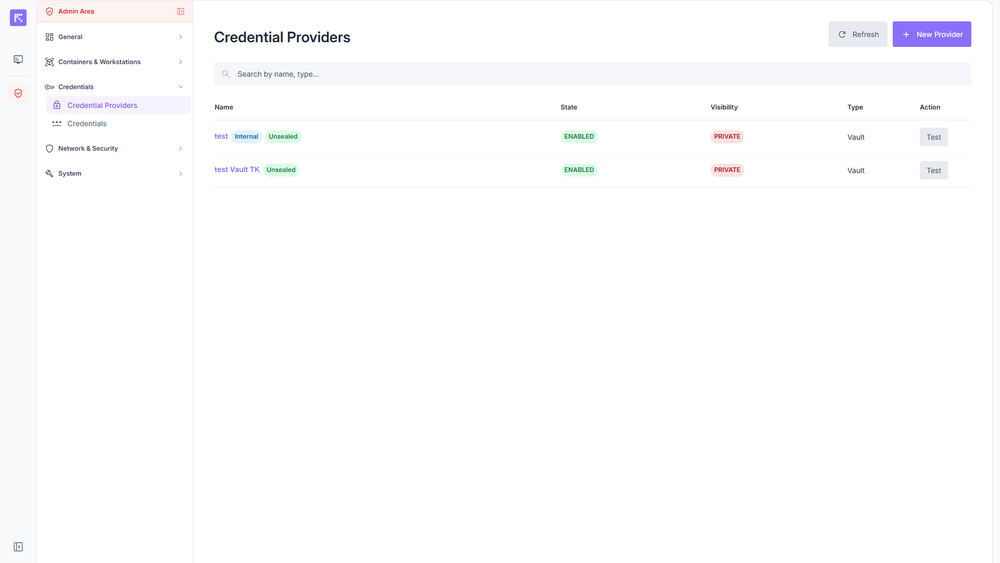
Overview of credential management.