Associate a Private Provider with an Organization
Note
To understand the difference between a Public and Private provider, see the container providers overview.
By default, Public providers are accessible by all organizations in your instance. Conversely, a provider defined as Private requires manual association.
This isolation allows you to dedicate specific infrastructure (e.g., a high-performance cluster or an on-premise Appliance) to a specific organization (a department, a subsidiary, or a customer).
Association procedure
Association is not managed from the general providers menu, but from the target organization’s settings:
Go to the Admin area > Organizations.
Select the desired organization.
In the organization’s left menu, click on Container Providers.
Click the Add private provider button.
Select the private provider from the dropdown list and validate.
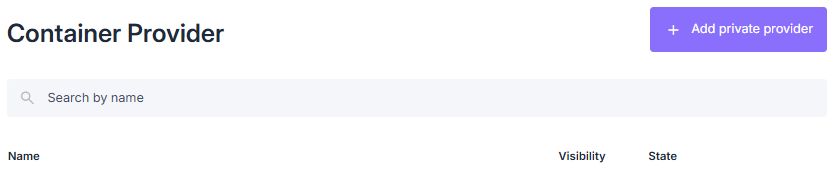
Associating a private Container Provider with an organization
Once this step is validated, the organization’s administrators will be able to use this provider to create their container profiles.