Manage Provider Resources
Note
This page details daily operations. To create a new provider, return to the container providers overview.
Once your container provider is created and active, you can manage its internal resources (nodes, secrets, and images) from its detailed profile.
To access it: Admin area > Container Providers > Click on the provider’s Name.
Node Management
The Nodes tab displays the health status and availability of each machine attached to the provider’s cluster.
Available information:
IP and name: network identifiers of the node.
Labels: custom metadata for container placement.
State: operational status (e.g., Ready, Down).
Availability: defines whether the node accepts new containers (Active, Pause, Drain).
Reachability: defines whether the node is reachable.
Available actions:
Edit: modify a node’s availability.
Labels: manage custom labels.
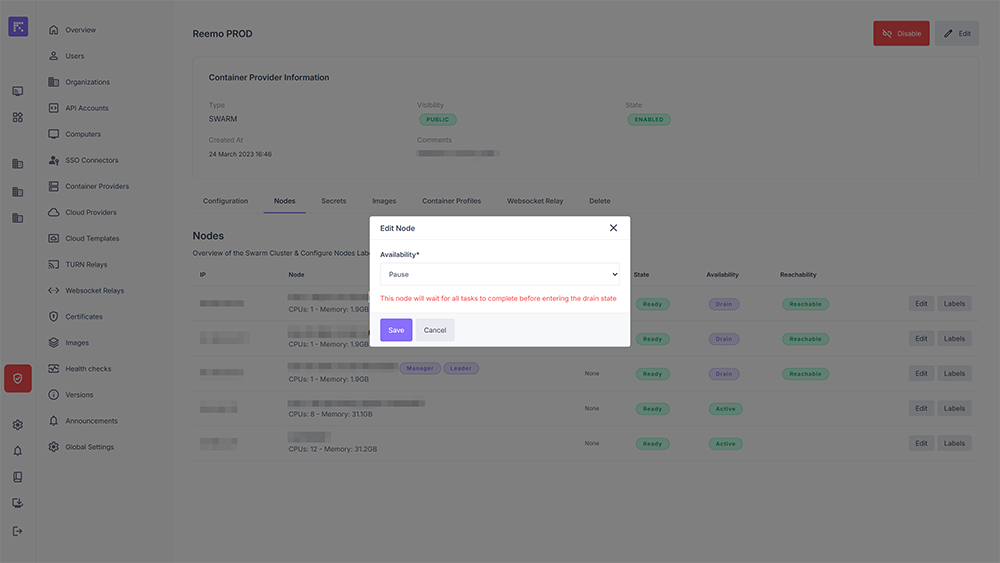
Modifying node availability
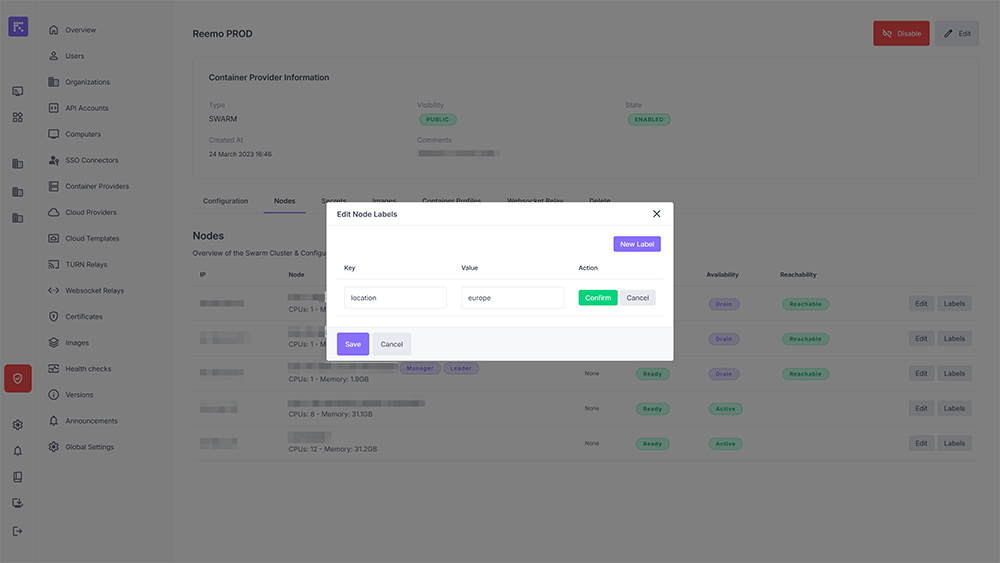
Adding or modifying node labels
Using Labels and Constraints
Label management is used in tandem with the Constraints system of container profiles within an organization. For example, you can use Labels to describe a node:
Type = NOGPU
Location = PARIS
Then, in a container profile, you can specify placement constraints using the Equal or Not Equal operator:
Type Equal NOGPU
Location Not Equal PARIS
This ensures that containers from this profile are deployed only on nodes that meet (or do not meet) these constraints. For a detailed step-by-step example, see Container Placement Constraints.
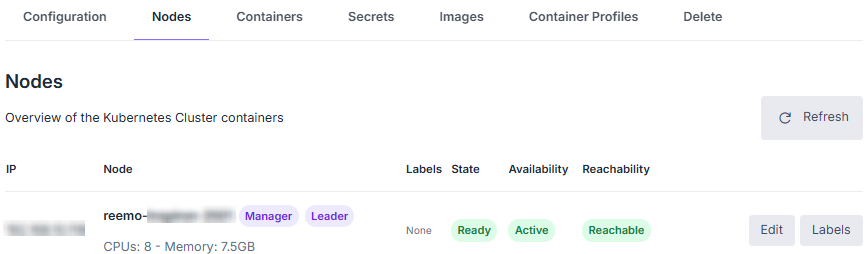
List of nodes in a cluster
Secret Management
The Secrets tab centralizes the management of Docker Secrets (or Kubernetes Secrets) associated with the provider. They allow for the secure transmission of sensitive data (passwords, API keys) to containers.
Each secret is identified by its creation date, its Id, and its Logical Name.
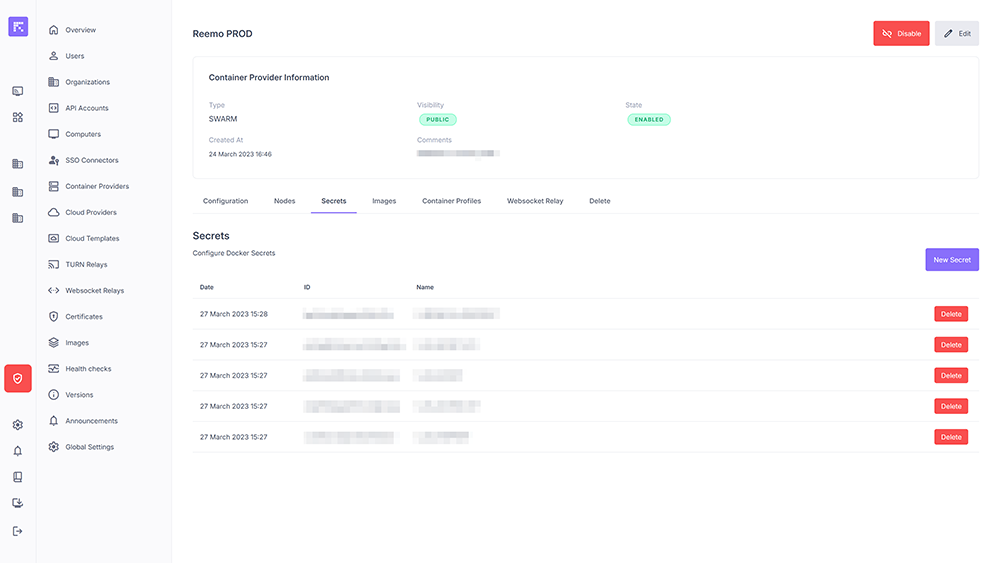
Image Management
The Images tab allows you to declare the container images that the provider is authorized to instantiate.
State: An image must be Enabled to be usable.
Visibility: Defines whether the image is offered to all organizations (Public) or restricted (Private).
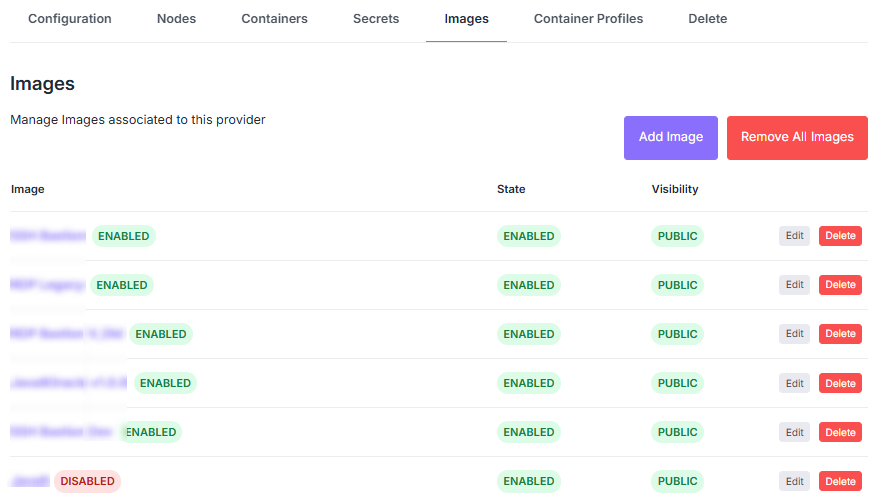
List and management of available images